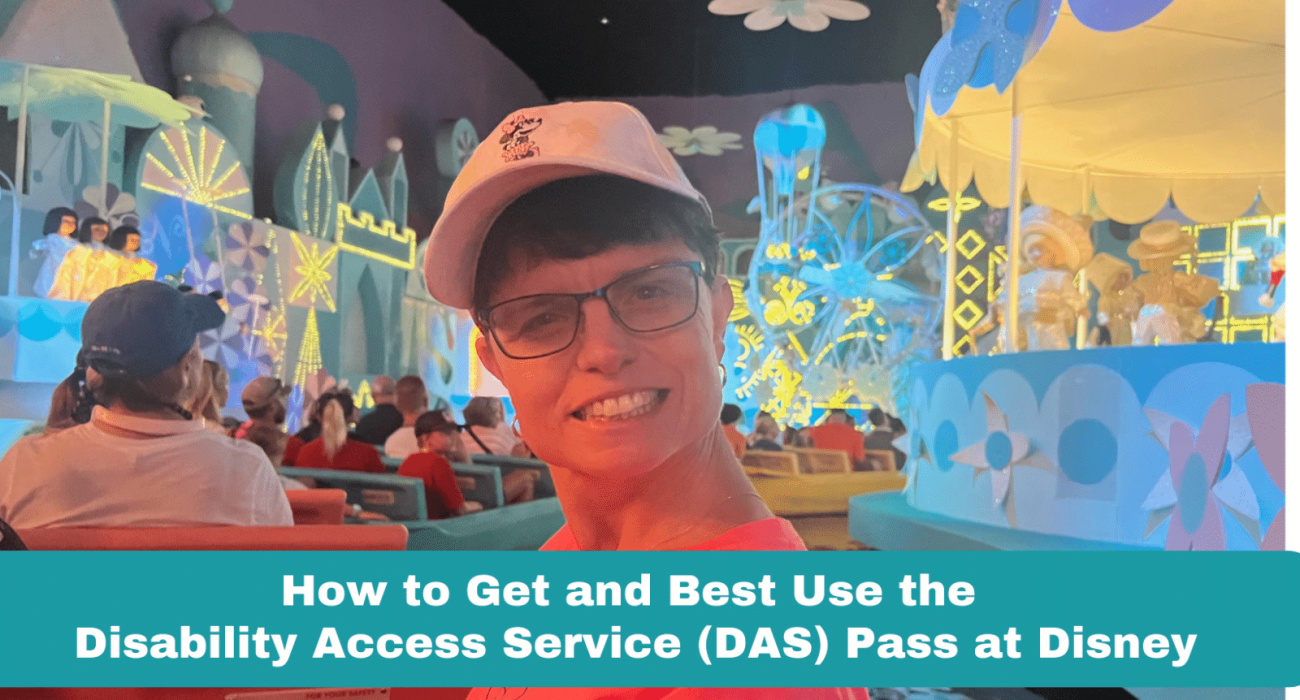
The Disability Access Service (DAS) pass at Walt Disney World theme parks is designed to assist guests who struggle with extended waits in traditional queues due to a disability. In this blog I will share my experience using the DAS system with my sister who developmentally disabled. My family was pleasantly surprised how smooth it was to pre-register by video chat before our arrival and how the DAS Pass made our park days far more enjoyable. This information will help you make the most of your experience at Walt Disney World while utilizing the Disability Access Service.
Who is eligible for a Disability Access Service (DAS) pass?
Guests with any condition that prevents them from waiting in extended lines can obtain one. While a DAS pass won’t give you immediate access to a ride, you’ll get a return time comparable to the ride’s current wait time.
Pre-Registration and DAS Pass Advance Planning
Eligible guests can now pre-register for DAS Advance virtually through live video chat with a Cast Member. It’s important to note that pre-registration can be done as early as 30 days in advance of your park visit, but no later than 2 days before your arrival.
During the registration chat, you can work with a Cast Member to schedule up to 2 one-hour return windows for select experiences using the new DAS Advance planning option. Additional DAS selections can also be made on the day of your visit. Please remember that all park visits must fall within 30 to 2 days of the live chat.
Registration Process: What You Need to Know
There are two ways for eligible guests to register for the DAS program—pre-arrival via live video chat or in person at Guest Relations during a park visit. Cast Members will work individually with guests to discuss specific requests and provide assistance.
Before you register for a video chat, ensure that you:
- Have everyone in your group pre-purchase park tickets. A person with an approved DAS pass may have up to 6 guests linked to their pass.
- Add your travel party to your Family & Friends list so that they can be included in DAS plans. Link valid theme park admission for each member of your party. If they are not on the party list they can NOT join the DAS member in the shortened line experience or reserved time slot for an experience. If approved for the DAS pass, you will all be on one reservation for return times and cannot be included in multiple DAS parties on the same day.
- Make sure that the guest who is requesting to use DAS is present at the time of registration, either via live video chat or at one of the Guest Relations Main Entrance locations.
NOTE: If a caregiver is in charge of the DAS registration, we found it is easiest for that person to also be the manager of the friends and family list on their Disney App.
What was the DAS Pass interview like?
We pre-registered for a DAS video chat when I could sit next to my sister for the interview on my laptop. The Disney Cast Member was very kind and thoughtful with her questions. I introduced my sister and explained we would be visiting Disney World together for the first time. She informed me she would be interviewing my sister first and then would answer my questions about the DAS system.
None of the information discussed in the interview was video recorded or saved for privacy purposes. If my sister qualified for the DAS pass, it would be good for 60 days. So if we decided to visit Disney another time after the 60 days, we would have to go through this whole process again.
The Cast Member talked with my sister about our trip and it became obvious that I would need to answer some of her questions on my sister’s behalf. She specifically wanted to know why waiting in extended queues would be difficult for her. We needed to give some examples of how my sister’s disability would make it hard to wait in long lines or be in confined spaces etc. It was an easy conversation, and I was grateful for her understanding of physical, mental, and developmental disabilities. After 20 minutes of conversation, the Cast Member said she would approve my sister’s DAS pass.
What if you can’t do a Pre-registration Video Chat?
Don’t worry if you can’t arrange a video chat 2-30 days before your visit. You can do it in person at the park with Guest Relations. Just make sure all your family and friends (up to 6 guests) are with you in person for the interview at the park so you can link the tickets to the DAS pass. You will all be on one reservation for return times and cannot be included in multiple DAS parties on the same day.
Can two people in your party have a DAS Pass?
Yes, you may have multiple DAS holders in your group. But friends or family cannot be listed on more than 1 DAS pass holder. You will still only get 1 return time at a time assigned to the guests in your group. Since the system is electronic now, you cannot receive 2 return times linked to 1 DAS holder or any member of the group.
How Many Experiences Can I pre-book with a DAS Pass?
When using the DAS Advance Planning Option, you can collaborate with a Cast Member during your first registration call to pre-select up to 2 experiences per day of your visit (subject to availability). I was able to pre-register my sister for 2 experiences per park on the phone with the Cast Member and link all our family members to the reservations. This required knowing the exact dates of each park visit and having an idea of what we might do that day at the park to plan accordingly. If you are visiting during a busy time of year, I encourage you to schedule these reservations as early as possible since many will fill up weeks in advance.
Do I need Genie+ if I have a DAS Pass?
Yes you can definitely use both services simultaneously as they operate independently. This is an excellent way to enjoy even more of your favorite attractions during your day at the parks.
Is a DAS Pass better than Genie+?
How do you Stack a DAS Pass and Genie+?
Does a DAS pass work with virtual queue?
The Disability Access Service (DAS) pass is compatible with the virtual queue, unless you are purchasing an Individual Lightning Lane (ILL). However, if you have a Boarding Group, when your return time is called, visit a cast member near the attraction’s entrance. They will convert your Virtual Queue Boarding Group to a Lightning Lane, making the process easier for you to manage. We did this for Tron and Guardians of the Galaxy. Keep in mind, the person with the DAS Pass must ride the ride with you for you to use the DAS privileges.
When can I see my DAS Pass on my Disney App?
The DAS pass will only show up on your My Disney Experience app for the day you have a park ticket and reservation and when you are actually in the park.
How do I find my DAS pass on My Disney Experience app?

Special People Deserve Special Vacation Homes
If you are making your Disney World plans, we recommend staying at a vacation home hosted by Vacation Alchemy. Vacation Alchemy designs magical homes for large groups and families, AND many homes are accessible for people who have special equipment needs. Only minutes from the Disney parks, you can enjoy the convenience of your own well-stocked kitchen, a private pool, and themed bedrooms. It was wonderful to have a place to relax together away from the crowds on the days we didn’t go to the theme parks. You can check out homes here and email [email protected] to get help with any specific needs.